Skip to content

Humanoid

Full-size bipedal platforms for manipulation and mobility in environments built for people.

Which humanoid, and why

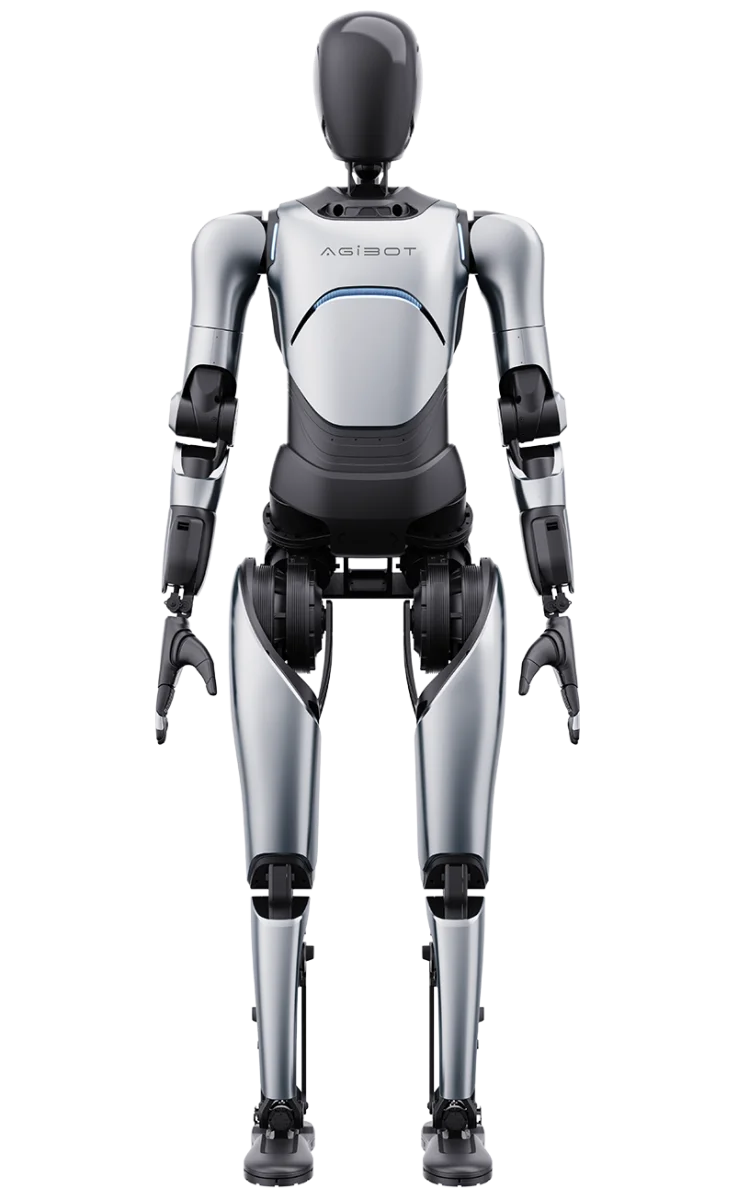
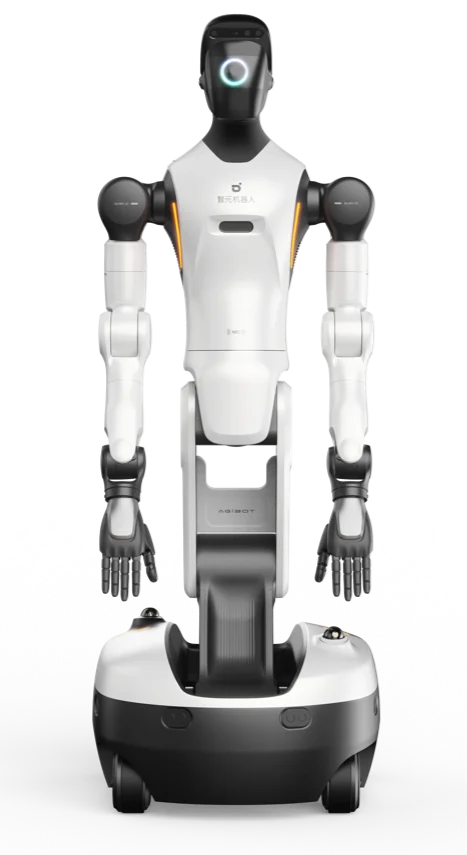
The decision is usually made by the floor, not by the specification. A wheeled base like the G2 is stable and never has to solve balance, but it needs a flat, continuous surface and cannot manage a step. A bipedal platform like the A2 Ultra or the A3 handles thresholds, ramps and mixed terrain, and pays for it in runtime. Payload is only half a comparison here: the A3 publishes 5 kg per arm, and neither the G2 nor the A2 Ultra publishes a payload figure at all, so if load decides the job it is a question to ask rather than a number to read.

Degrees of freedom is the number worth reading carefully.
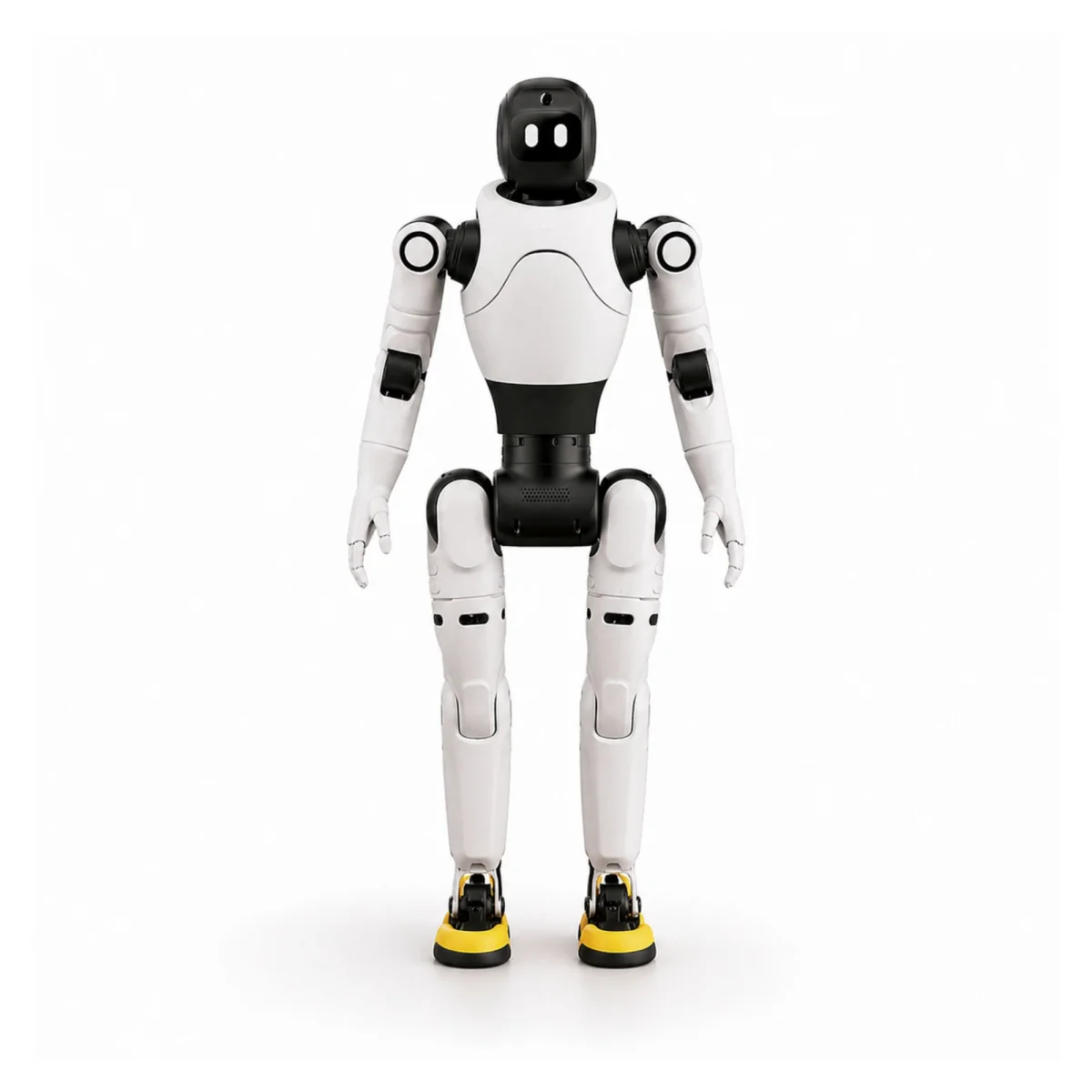
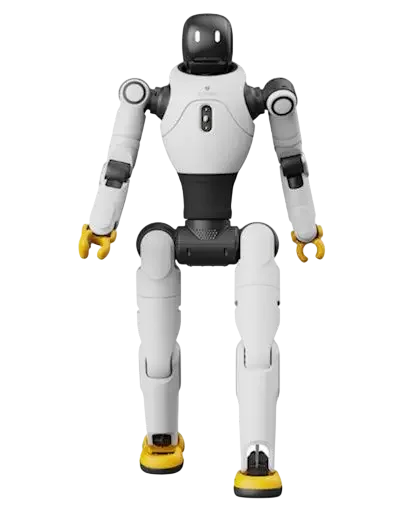
The X2 Basic has 25 and no LiDAR or depth camera; the X2 Ultra has 30 plus 3D LiDAR, RGB-D and a docking station. That gap is the difference between a platform that performs a scripted interaction and one that can locate itself and a part without help. If the task involves finding something that moves, the sensing matters more than the joint count.
For manipulation, compare reach and torque rather than height.
The A3 publishes 320 Nm peak joint torque and 5 kg per arm with an actuator fitted; the A2 Ultra runs 40 active degrees of freedom with a six-DoF dexterous hand. Both are full-size, and they are aimed at different problems.
Runtime decides shift patterns.
The A3 publishes up to 10 hours with hot-swap packs; the A2 Ultra publishes roughly 3 hours standing and 1.5 hours or more walking. A platform that cannot cover a shift needs either a swap routine or a charging window designed into the process, and that is a layout decision, not a purchasing one.

If none of this resolves it, that is the normal outcome, and it is what a proof of concept is for: one task, on your floor, measured. We would rather tell you a robot is the wrong tool for a process than sell you one that proves it slowly.


What a first deployment involves

Choosing the platform is the short part. This is the shape of the work that follows, in the order it usually happens, because the second question after "which one" is "and then what".

The safety concept comes first, not last.
A machine of this size sharing a floor with people needs a risk assessment for your installation, a defined working envelope, a rule about who may enter it while the machine is active, and an agreed way to stop it. That assessment is part of the project and it needs a name against it on your side, usually whoever is already responsible for machine safety in that area. Starting it late is the single most common reason a deployment that works technically cannot be switched on.
Then the task is taught rather than described.
The application layer is built on ROS 2, and for most industrial work the reliable path is a taught sequence with vision used only where something genuinely moves. Where the task is too varied to teach directly, a person drives the machine through it in a headset while the system records, and those recordings become the training data. That is not a fallback, it is how this generation of machines is programmed.
Integration is where the schedule actually goes.
A humanoid that works in isolation and cannot be told what to do next by your existing systems is a very expensive island. Expect work on the interface to whatever holds the orders, whether that is a PLC, a warehouse system or a spreadsheet somebody maintains. This is ordinary integration engineering and it is estimable, but it is rarely in the number a buyer has in their head.
Layout follows runtime.
Published runtimes across these platforms range from around an hour and a half of walking to ten hours with hot-swap packs, so a machine that cannot cover your shift needs either a swap routine with somewhere to keep charged packs or a charging window designed into the process. Decide that before the cell is laid out rather than after.
Finally, the people.
Two or three operators who know how to start it, stop it, clear a fault and recognise when to call. A documented handover rather than a demonstration. Where nobody on site owns the machine, it quietly stops being used, and that has ended more deployments than any technical limit on this page.

6 products

AGIBOT A2 Ultra

AGIBOT A2 Ultra

AGIBOT

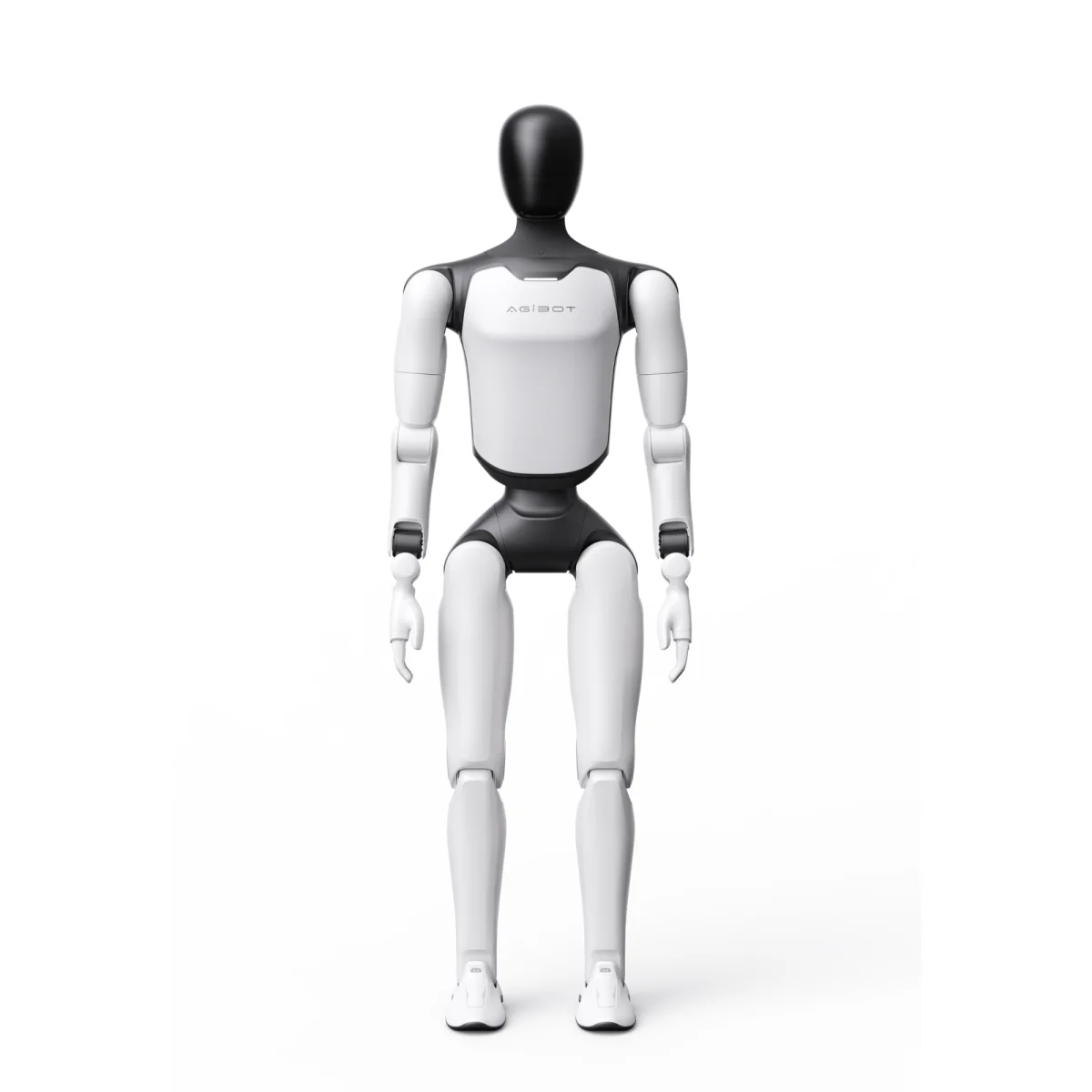
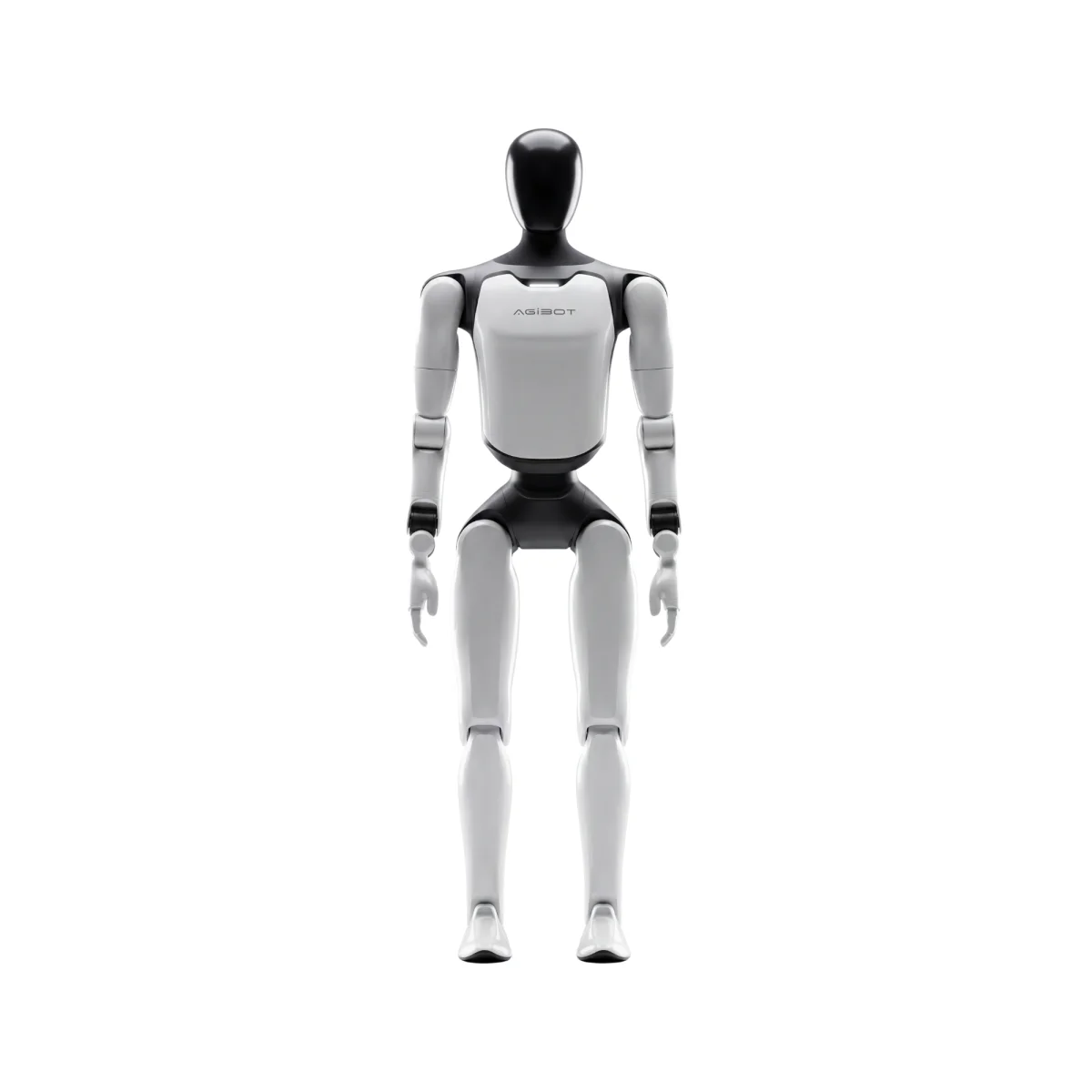
Full-size AGIBOT humanoid: 169 cm, 69 kg, 40+ active DoF and 200 TOPS on board, with hot-swap packs giving about two hours of work per battery.

View details
AGIBOT X2 Basic

AGIBOT X2 Basic

AGIBOT

Compact 131 cm humanoid at 33 kg with 25 active DoF, speech, gesture and touch interaction, and the AimDK_X2 SDK in Python and C++ for your own work.

View details
AGIBOT X2 Ultra

AGIBOT X2 Ultra

AGIBOT

The sensor-complete X2: 30 active DoF, 558 mm arm reach, 3D LiDAR and RGB-D vision, and a docking station for autonomous charging between shifts.

View details
AGIBOT G2

AGIBOT G2

AGIBOT

Wheeled AGIBOT humanoid, 185 kg with 26 force-controlled DoF and IP42 protection, running NVIDIA Jetson Thor compute on dual hot-swap batteries.

View details
AGIBOT A3

AGIBOT A3

AGIBOT

Full-size 173 cm humanoid at 55 kg: 31 DoF, 5 kg payload per arm, running to 5 m/s, and up to ten hours on dual 1152 Wh hot-swap battery packs.

View details
AGIBOT A3 Ultra

AGIBOT A3 Ultra

AGIBOT

The 51 DoF A3 with dexterous hands and Thor-U compute: all-terrain perceptive walking, autonomous charging and beyond-line-of-sight teleoperation.

View details

Frequently asked questions

Contact us now