

Skip to content

Welcoming & Advertisement

Interaction software for reception, guidance and public-facing deployments.
5 products

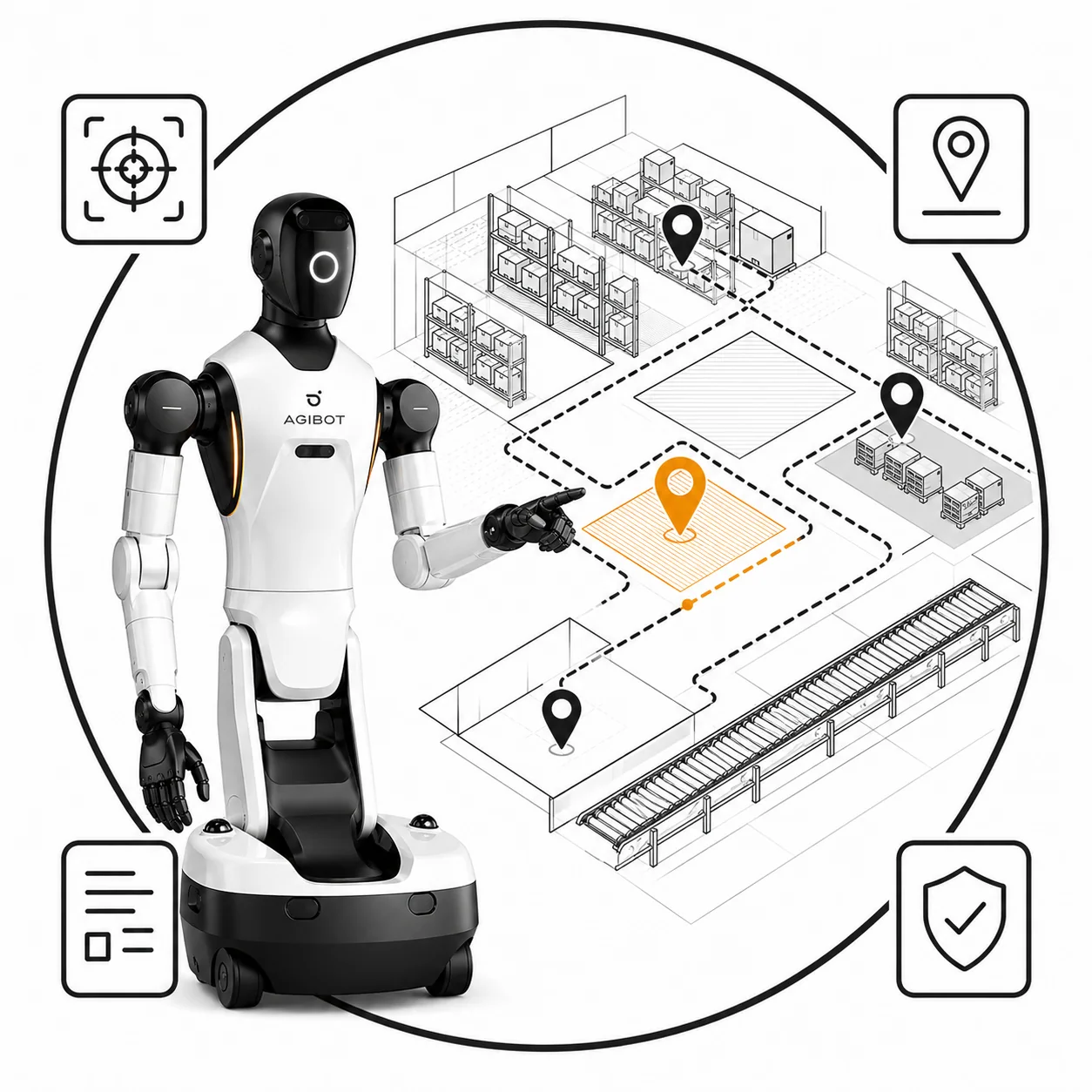
A white humanoid robot on a wheeled base, pointing into an isometric line drawing of a warehouse marked with location pins, one of them highlighted over a hatched pick area, with small framed icons at the corners.

Mapping (hourly rate)

Mapping of the working area a robot will operate in, delivered as the map layer that the navigation stack and the picking process both depend on.

View details
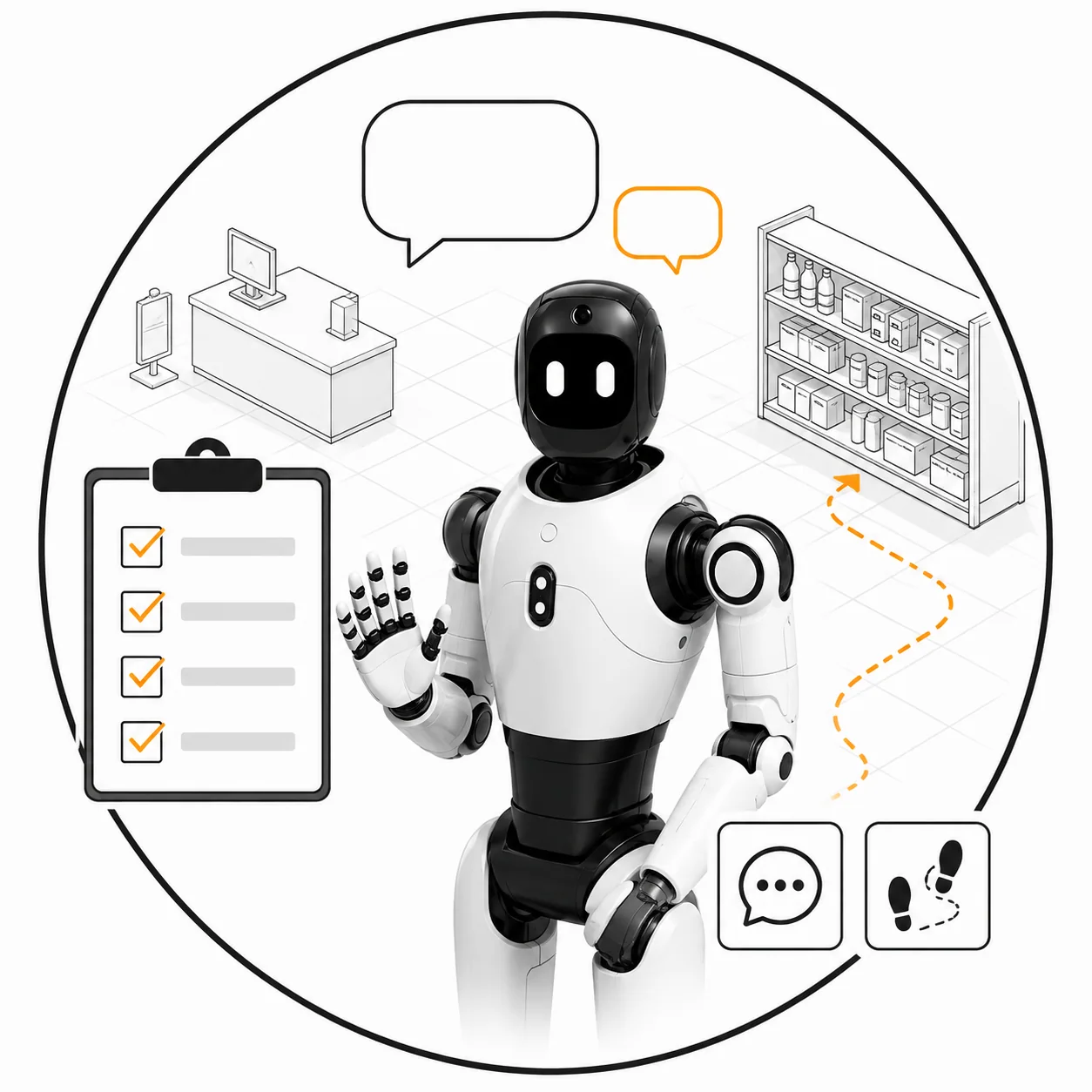
A white humanoid robot with yellow hands and feet holding binoculars to its face, a pale cone spreading from them across an isometric line drawing of a warehouse, under three labelled sensor icons and beside an inset map panel.

Perception & Localisation

Perception and localisation for humanoid and mobile platforms: recognise the part, know where the robot is, and keep both stable in a live environment.

View details
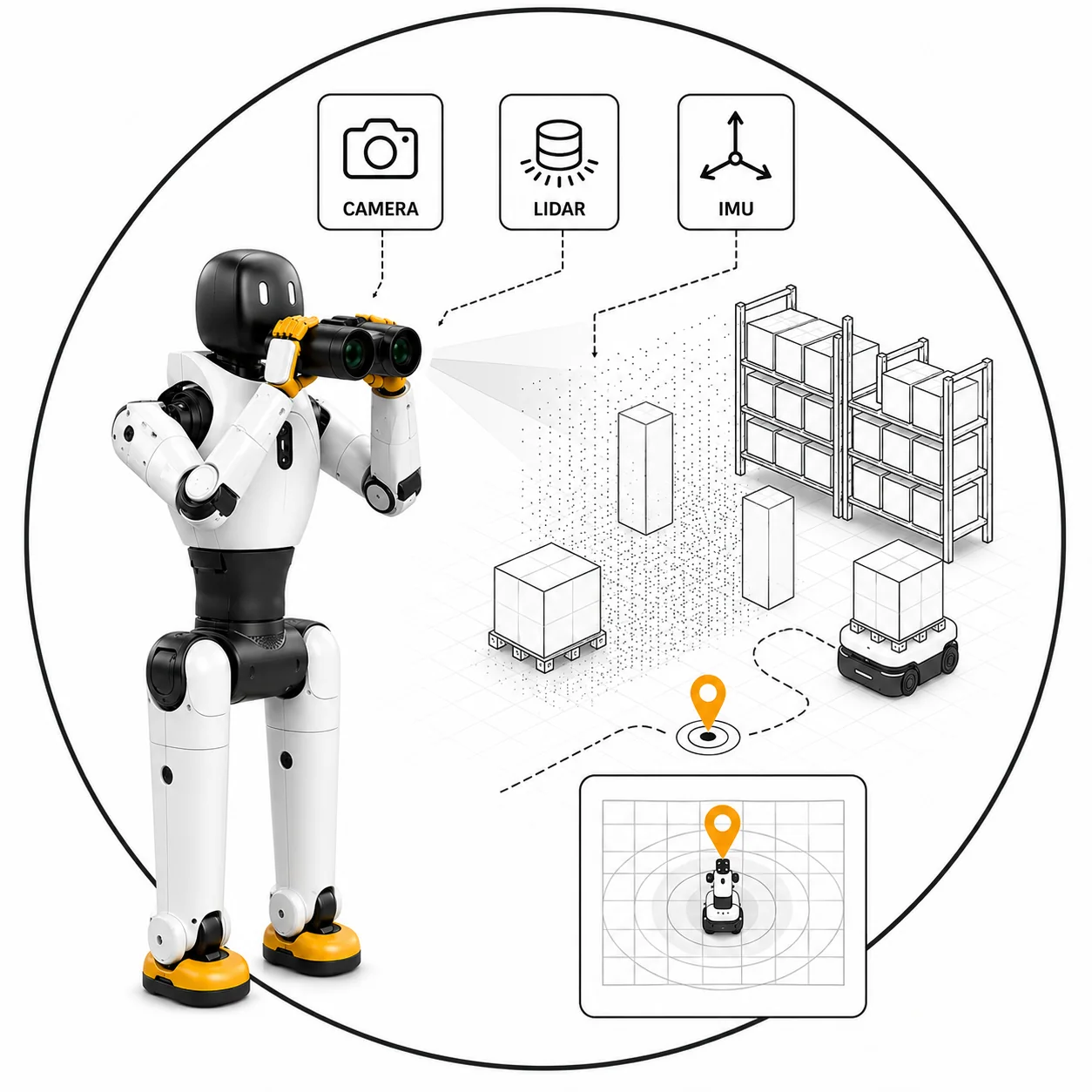
A silver humanoid robot seen from behind, the wordmark across its back, pointing into an isometric line drawing of a warehouse in which an orange route threads between two ring markers, past a boxed obstacle carrying a warning triangle, with a grey alternative route drawn beside it.

Navigation Stack

ROS-based navigation for humanoid and legged platforms, path planning, obstacle handling and recovery behaviour tuned to your floor, not a demo hall.

View details
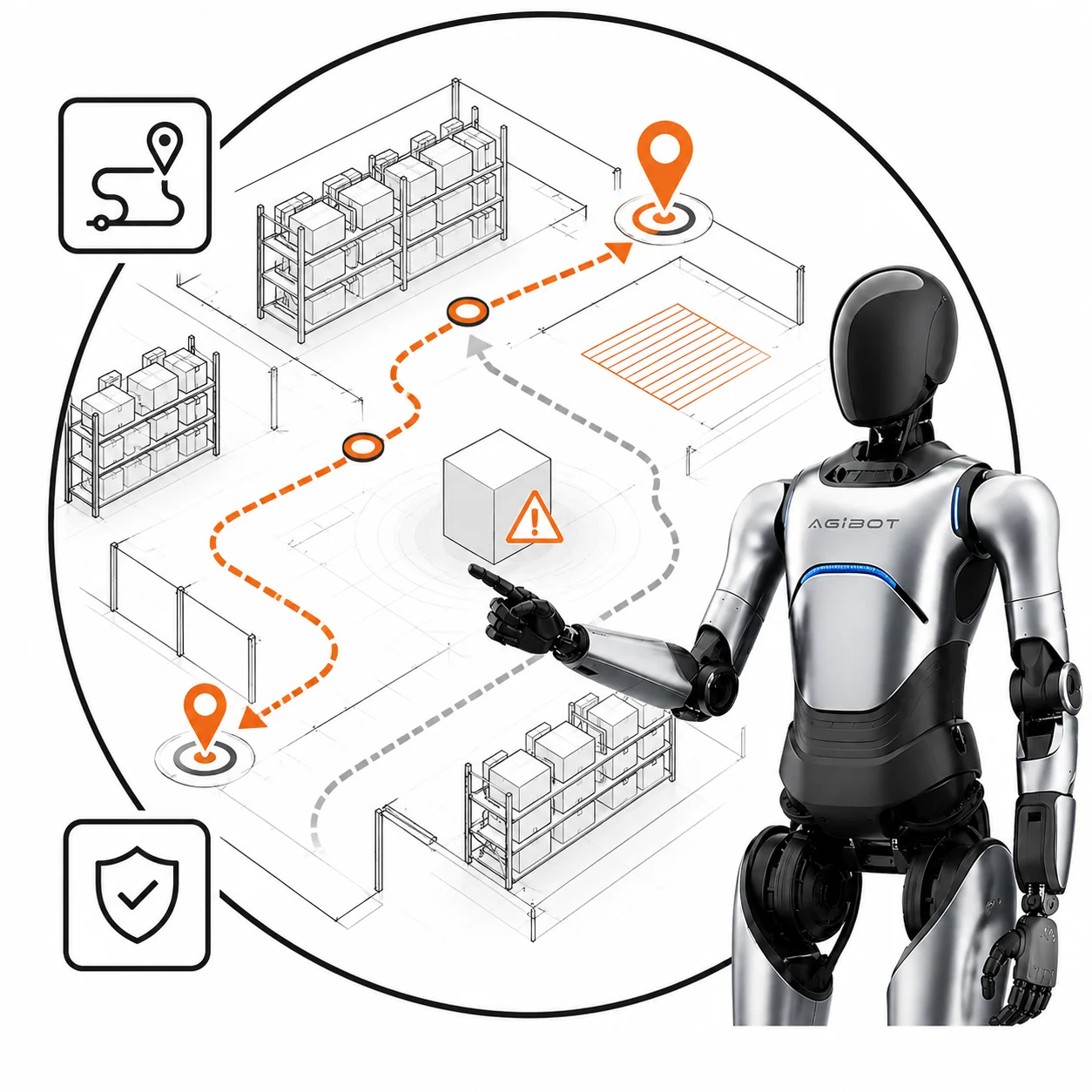
A white humanoid robot with one hand raised, between a line-drawn checklist with orange ticks and a line-drawn shop shelf, with speech bubbles above it and a reception desk drawn behind.

Requirements Management, Marketing Robot

Requirements management for a customer-facing marketing robot: what it should say, where it should go, and how it behaves when a visitor interrupts it.

View details
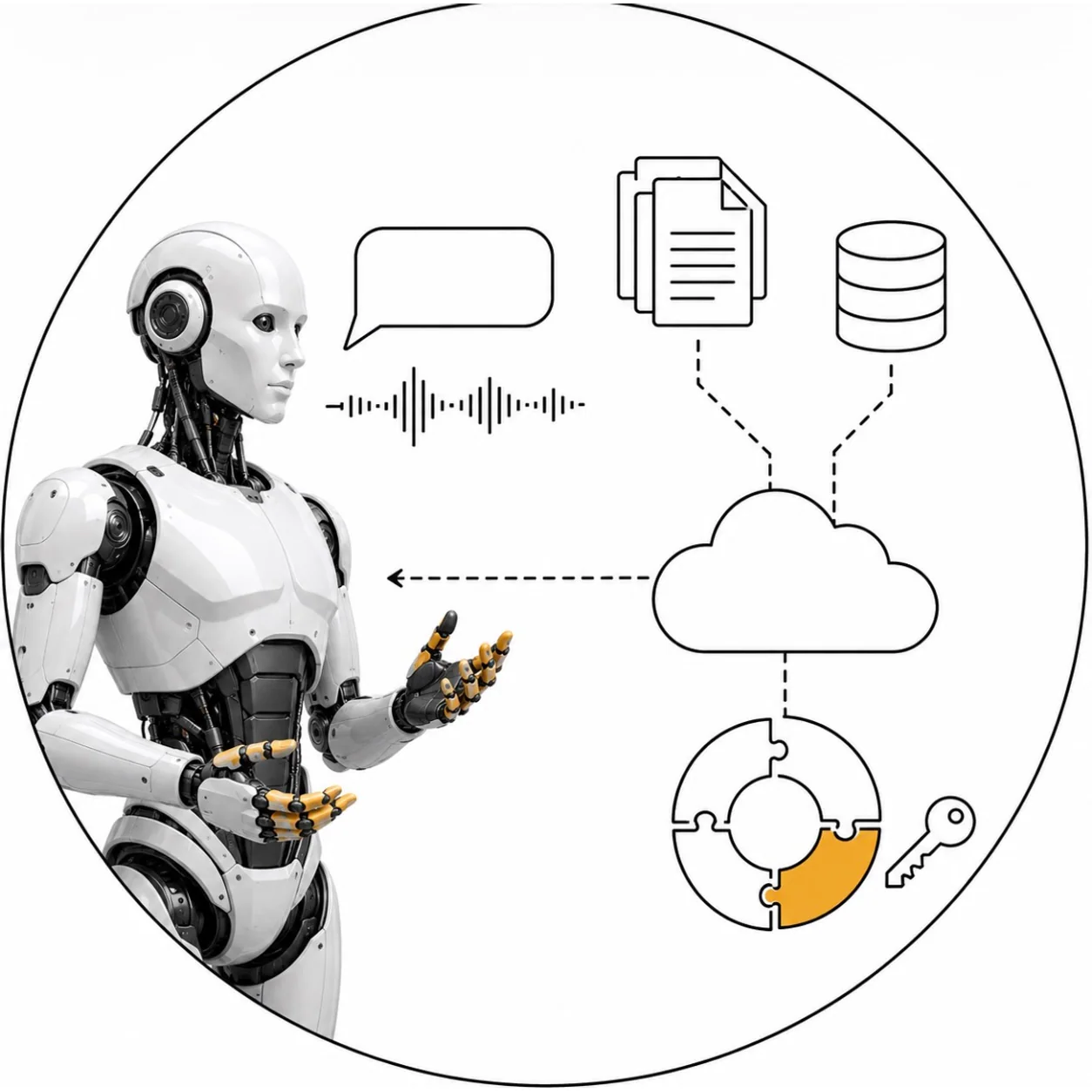
A white android with a moulded face and gold-tipped fingers, one hand open, beside a drawn speech waveform, document and database icons, a cloud and a circular diagram closed by a key.

Client LLM Integration

Connects your own LLM to the robot, so it answers in your language, from your content, with the guardrails your brand and legal team require.

View details

What to buy first, and what a robot in a shop actually needs

Five items, and the order matters more here than the total. A greeting robot is easy to imagine and easy to get wrong, because the part that makes it work is not the hardware.

Start with the requirements document.
It is the item that decides whether the other four are needed at all, and it produces the thing everyone argues about later: what the robot says, when it says it, what it does when a child stands in front of it, and how anyone knows it is working. Greeting, waving, answering questions about your range, services and promotions, and walking a customer to an aisle are four different products. A written specification is what separates them before anyone builds one.
Mapping and the navigation stack are needed only if the robot moves.
A machine standing at an entrance greeting people needs neither, and assuming otherwise is a common and expensive misunderstanding. If it is going to lead a customer to a shelf, it needs both, and every route it takes has to be step-free from end to end.
Perception and localisation
is what lets it know where it is and notice that somebody is there. A robot greeting an empty doorway on a timer is worse than no robot.
The language model integration is the item to think hardest about.
Without it, the robot says what you scripted, reliably and forever. With it, the robot answers questions you did not anticipate, sometimes well. The account is yours, whether that is OpenAI, another provider, or a local deployment such as Ollama. Usage is billed directly to you, and no token or usage cost passes through us.

What to agree before it stands in front of a customer

A robot in a public space is a different proposition from a robot in a warehouse, and the differences are not technical ones.

Decide who owns what it says.
A model answering freely about your promotions will eventually state a price that has changed or a stock level it cannot know. The document backend exists for exactly this: the robot answers from sources you upload and control, and keeping those current is a job somebody has to hold. Agree what it says when it does not know, and choose a robot that hands over to a person too readily rather than one that improvises.
Decide what it does with people.
If it carries a camera, someone will ask what is recorded, for how long, and on what basis. A local model on your own hardware answers much of that by keeping the footage in your building. It does not answer all of it, and a robot interacting with the public is a data-protection question worth putting to your own counsel before the launch date rather than after it.
Decide what happens when it fails.
It will be blocked, crowded, asked something absurd, and photographed constantly. The failure behaviour is the product: a machine that stops politely and says so reads as competent, and one that keeps trying reads as broken.
Then agree what success is.
Conversations held, questions answered without a handover, customers actually guided to a shelf, over a stated period. An event robot is measured on attention and a shop robot is measured on whether it saved anyone time. Those two lead to different builds, and deciding which one you are buying is the whole job of the requirements document.

Frequently asked questions

Contact us now

Related reading: Can a robot actually dance at your event: what ships and what is engineering