Robot tour guide for a museum: routes, languages and crowds
A robot tour guide in a museum greets visitors at the entrance, walks a small group along a set route and explains each exhibit from texts the museum supplies. AGIBOT names this job for the A2 Ultra, the X2 Ultra and the A3 Ultra. Whether one fits your building depends on the floor, your visitors' language and, above all, how full the galleries get.
- What AGIBOT says about the job.
- The A2 Ultra's product page calls it the "Top Guide of the Exhibition Hall", with route guidance, explanation and greeting by facial recognition. AGIBOT's July 2026 brochure calls the X2 Ultra tailor-made for guided tours, says one mapping pass deploys it for exhibition-hall guidance, and describes a toolchain for writing its scripts and gestures. The brochure also lists exhibition guided tours for the A3 Ultra. None of these documents names a museum.
- Only an Ultra walks the route.
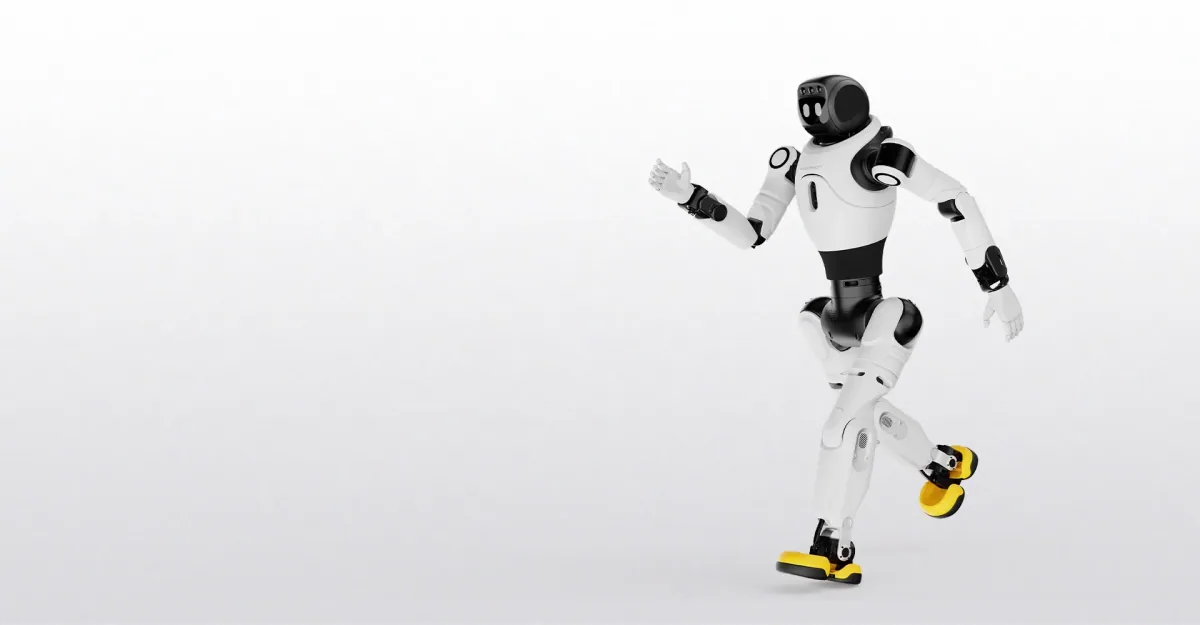
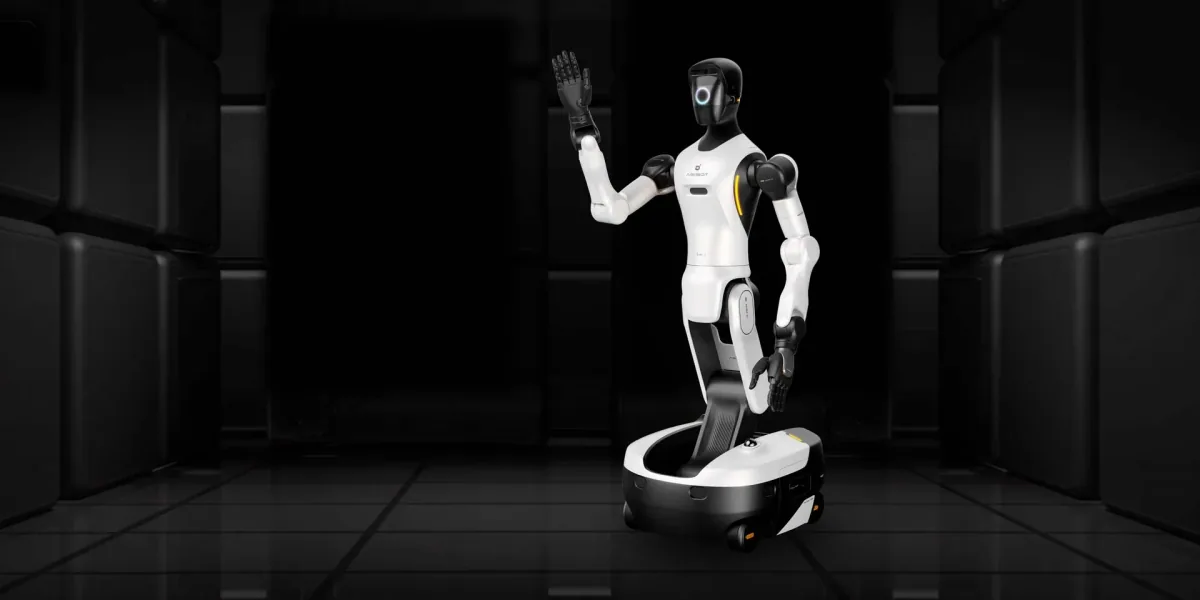
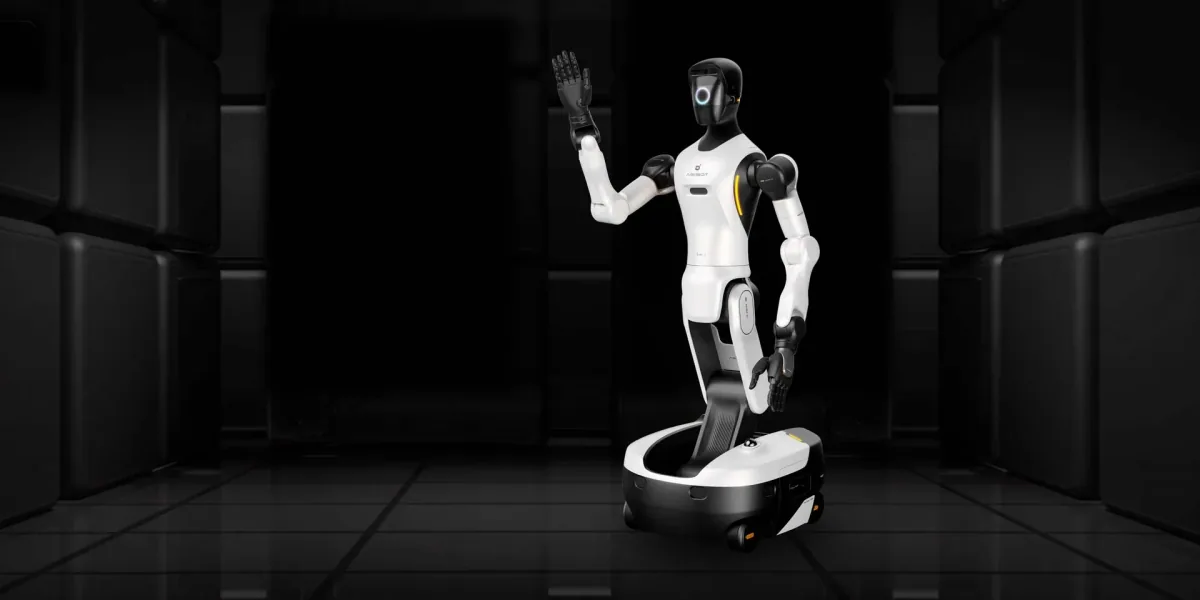
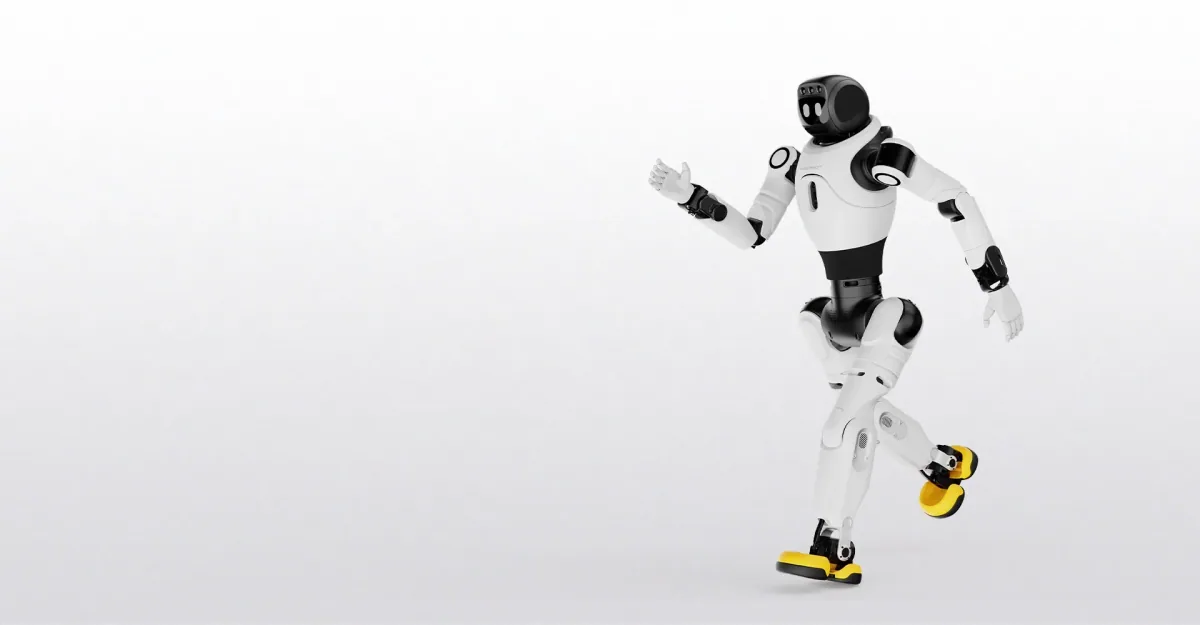
- AGIBOT's X2 page gives navigation and obstacle avoidance to the X2 Ultra, with its LiDAR and RGB-D cameras, and not to the X2 Basic, which suits greeting from one spot. Between the two Ultras we rent, size decides. The A2 Ultra stands 169 cm, at adult eye level, and weighs 69 kg. The X2 Ultra stands about 131 cm, closer to a child's eye level, and weighs about 39 kg. The wheeled G2's manual lists exhibition guidance, but its EU edition fences people out of its operating area.
- Which languages it speaks.
- AGIBOT's brochure promises multilingual explanation for the X2 Ultra. Its manual names Chinese and English, and the robot answers in whichever it hears; further languages are switched on through AGIBOT's LinkSoul platform but not named, and system prompts stay in Chinese or English. The A3 Series manual also has the voice language set on LinkSoul, and the A2 Ultra's page lists none. None of these documents names Bulgarian, Romanian, Greek, Turkish, Serbian or Ukrainian, so hear the robot explain one exhibit in your visitors' language before booking.
- The visitor who stands in the way.
- AGIBOT says all three avoid obstacles, and the A3 Ultra brochure adds risk prediction 3 metres ahead and a stop on contact. None of these documents gives a stopping distance. The X2 Ultra manual recommends a radius of at least 1 m in which nobody stands, and the A3 Series manual a distance of 1 metre, with nobody in the robot's path. Both say an emergency stop collapses the robot, so it is no pause button: a staff member walks alongside with the remote and keeps the group back.
- When the hall is full, the tour stops.
- The X2 Ultra manual says to avoid cramped or crowded environments, to reduce the risk of collision and crushing; the A3 Series manual rules out spaces crowded with people. We hold no A2 Ultra manual, so plan it to the same rule. Book tours for quiet hours with a capped group. On a busy afternoon the robot greets from a fenced spot by the entrance or stays off the floor.
- Floors, stairs and the battery.
- The X2 Ultra manual asks for a hard, flat, level, non-slip floor with a static friction coefficient above 0.4, and no stairs, steep slopes or carpet: test polished stone first. The A2 Ultra's page says it climbs 10-degree ramps, and AGIBOT's after-sales guide for the A2 and A3 excludes stair use from the warranty, so a route ends at the stairs. On a charge the A2 Ultra walks 1.5 hours or more, the X2 Ultra about 2 hours at 0.5 m/s, and the A3 Ultra brochure gives 8 hours overall, not a walking time.
The A2 Ultra and X2 Ultra rent from stock, so a trial shows what your galleries do to a route; the A3 Ultra is not on our rental list. Before you ask, mark the route on a floor plan and note the floor finishes, your visitors' languages and your busiest hour.