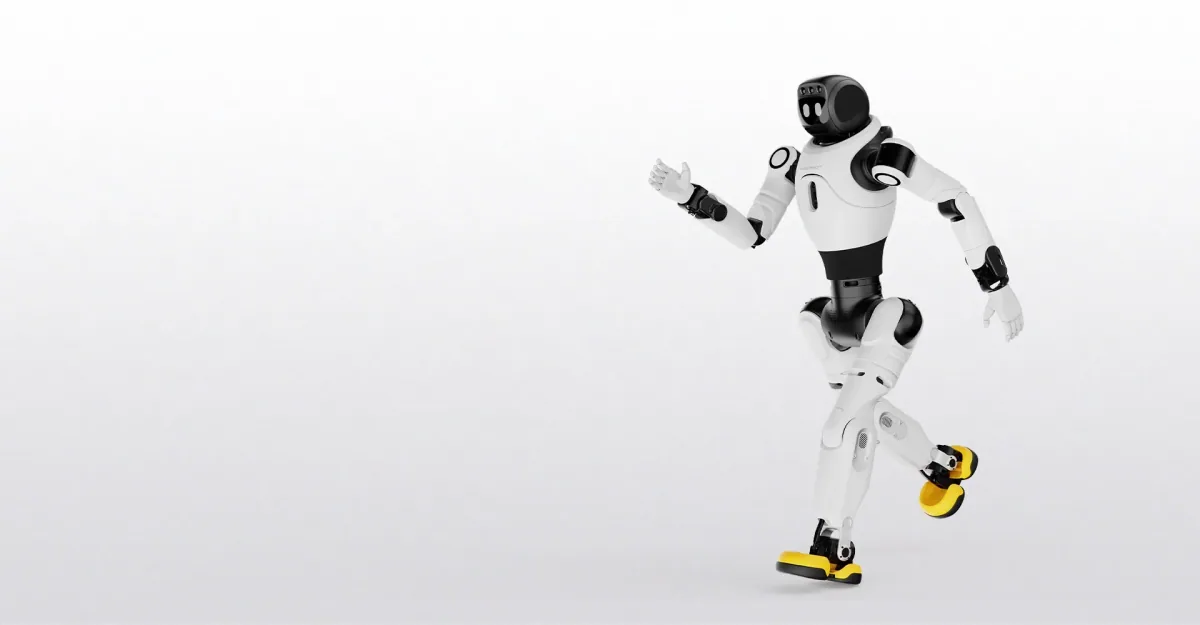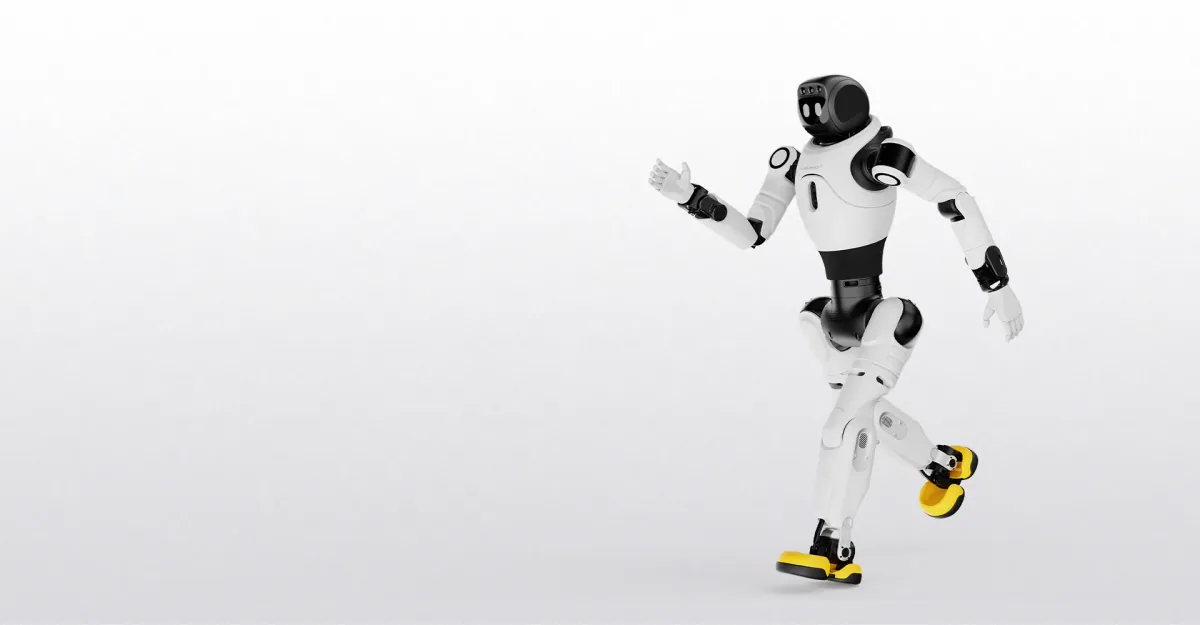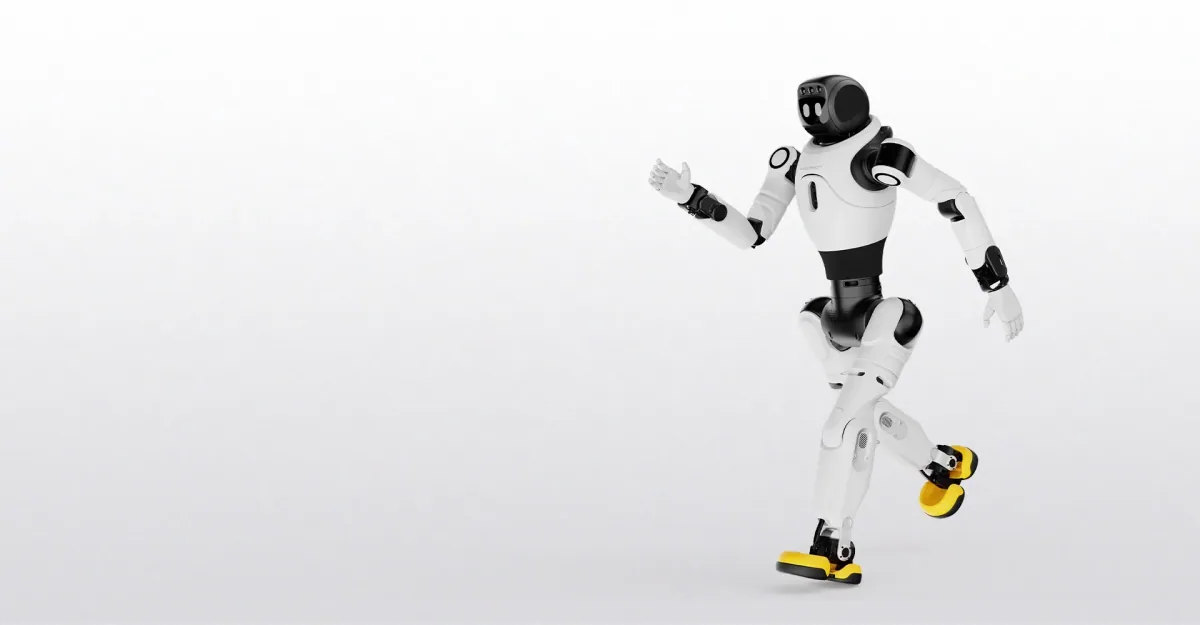
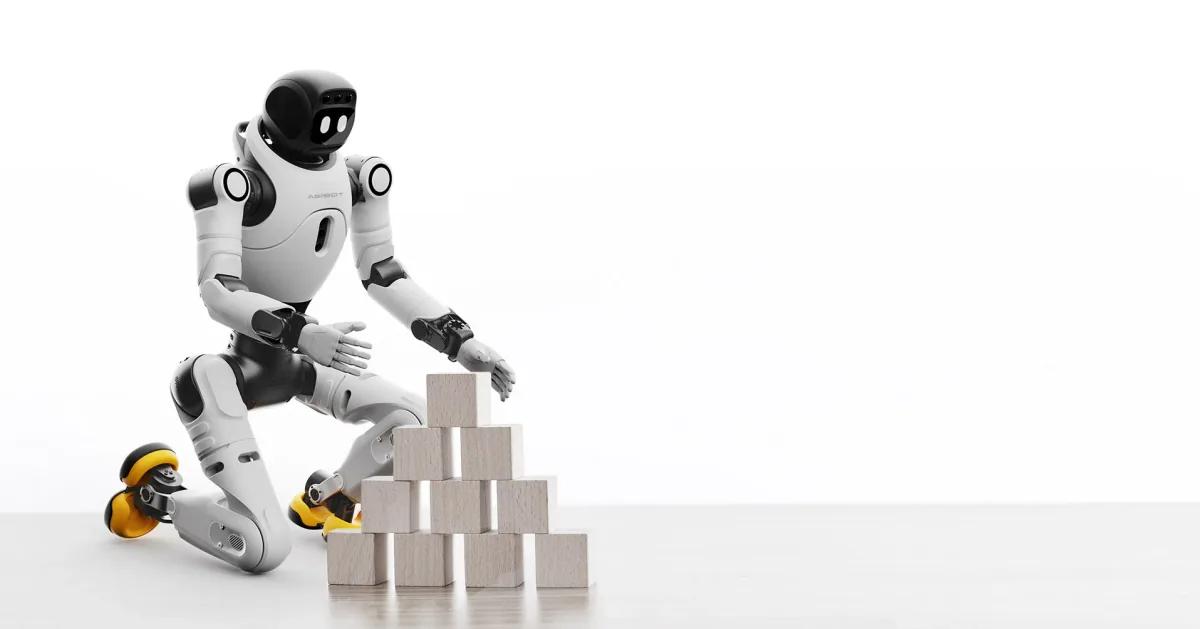
X2 Basic at a bench or desk: what its arm reach is for
Put an AGIBOT X2 Basic by a reception desk, beside a showroom bench or on an exhibition stand and it earns its place by greeting people, answering questions and performing, not by handling what lies on the surface. It is a walking humanoid about 131 cm tall (AGIBOT's X2 page and manual call this trim simply the X2), so it stands on its own legs and nothing is bolted down.
- It is there to greet, answer and perform, and AGIBOT's X2 manual says how.
- The manual describes voice chat on everyday topics and on a knowledge base you supply, greetings triggered by face recognition, and arm movements such as a wave and a salute. AGIBOT's companion app, AGIBOT Go, strings movements, expressions and spoken lines into a routine of your own, and AGIBOT's LinkCraft platform is for composing performances without a programming background. The manual gives Chinese and English as the conversation languages, and has other languages and the knowledge base set up on AGIBOT's LinkSoul platform. So confirm your language, your unit's software version and your stand's Wi-Fi first: AGIBOT's X2 table lists Wi-Fi and Bluetooth for this trim, and a 4G/5G module for the Ultra only.
- Its 558 mm arm reach is a gesture radius, not a working envelope.
- AGIBOT's specification table gives 558 mm, excluding the end effector, for both trims. On the Basic that is how far a wave or an outstretched arm extends, and the hand beyond it is not a tool: a footnote on AGIBOT's X2 page says the OmniHand and OmniPicker end effectors are compatible with the X2 Ultra only.
- Keep more floor clear than the reach suggests.
- The manual asks for a safety area with a radius of at least 1 metre around the robot, and nobody stands in it. During a performance it wants that area clear of objects as well. So the Basic stands clear of the bench or desk, not at it, with furniture, screens and visitors outside that area. The manual also asks for hard, flat, level flooring and advises against carpet, so ask what your stand floor is.
- A stand day runs in sessions.
- AGIBOT's table gives one runtime figure, about 2 hours at a 0.5 m/s walk, and none for a robot that stands and talks. Charging takes up to 1.5 hours by the table, and the manual has the robot switched off while it charges. The table also lists the battery as swappable, but the manual's swap starts with a power-off too, so a spare pack shortens the break without removing it. The Basic walks only where a person sends it, by handheld controller, app or voice command.
- Who should not buy the Basic for bench work.
- Anyone whose job puts a part or a tool in the robot's hand: the OmniHand and the OmniPicker gripper are options for the Ultra only. Anyone who needs their own software to drive it: the table marks Secondary Development "Not supported" for the X2 and "Supported" for the X2 Ultra. Anyone who needs it to find its own way: the Basic has no 3D LiDAR or RGB-D camera, and AGIBOT's page says it does not support autonomous navigation or proactive obstacle avoidance. Even on the Ultra, weigh the part first: the payload is at most 3 kg in specific postures and 1 kg or less across the full range, excluding the end effector.
So at a bench the X2 Basic is there for the people in front of it, not for the parts on it. If the work is on the bench itself, look at the X2 Ultra with a hand or gripper, and note the trade: AGIBOT's manuals for the X2 and for the X2 Ultra both say not to play LinkCraft performances on a robot fitted with either. Both trims are in our catalogue, for sale and for rental.